
AI is supposed to make work easier. Instead, a lot of people end up more scattered.
You open ChatGPT for one task. Then you ask it to outline a project, rewrite an email, summarize notes, and fix a paragraph. A few minutes later, you are juggling prompts, checking outputs, second-guessing facts, and bouncing between tabs. The work feels busy. Your brain feels cooked.
That feeling is real. Microsoft’s 2025 workplace data found that many workers are already dealing with a flood of emails, messages, meetings, and notifications, with employees using Microsoft 365 interrupted about every two minutes. Recent Harvard Business Review and BCG reporting has started calling one version of this pattern “AI brain fry,” or mental fatigue caused by excessive AI use or oversight.
The good news is that AI is not automatically bad for focus. The real problem is unstructured use. When AI becomes a constant companion instead of a deliberate tool, it stops reducing friction and starts adding cognitive load. In other words, the issue is not “using AI.” It is using AI with no boundaries, no role, and no stopping rule.
Why AI can feel mentally draining
A lot of people assume AI reduces thinking. In practice, it often changes the kind of thinking you have to do.
Microsoft Research found that when people use generative AI for knowledge work, the effort often shifts from gathering information to verifying it, from solving the problem directly to integrating the AI’s response, and from doing the whole task to supervising it. The same study also found that higher confidence in AI was associated with less critical thinking, while higher self-confidence was associated with more critical thinking.
That matters because supervision is still work. In some cases, it is tiring work. You are no longer just writing, planning, or studying. Now you are also judging tone, checking logic, spotting hallucinations, deciding what to keep, and cleaning up weird output. AI can act like a useful job resource when it reduces complexity or helps with planning, but that benefit is conditional. It can quickly flip into extra verification labor if trust is too high or the workflow gets messy.
Meanwhile, your brain still pays the normal cost of switching attention. Research on multitasking shows that what feels like “doing several things at once” is usually task switching, and that switching increases cognitive demands, slows performance, and raises error rates. In plain English, the more often you jump between tools, prompts, tabs, and tasks, the harder it becomes to stay sharp.
So the goal is not to avoid AI. The goal is to stop turning AI into another source of fragmentation.
The better model: use AI like a specialist, not a roommate
Here is the mindset shift that helps most: AI should have a job.
Not your whole day. Not your whole brain. Not your whole process.
When AI is always open, it starts acting like background noise. You ask it for everything because it is there. That is when your own thinking gets lazy, and your attention gets thin. However, when AI has a narrow role, it becomes much more useful.
For example, AI is great at giving you a rough first pass, generating options, summarizing a long source, or helping you unstick a blank page. It is much less helpful as a nonstop co-pilot for every decision, especially when the task requires judgment, memory, learning, or careful prioritization. That pattern lines up with current research: unstructured AI use tends to encourage cognitive offloading, while structured use can improve reasoning and reflective engagement.
That leads to a simple rule:
Use AI to reduce friction, not to replace attention.
If a tool helps you start, sort, or simplify, great. If it keeps pulling you into more checking, more prompting, and more mental clutter, it is no longer saving focus. It is spending it.
Recommended by Nerd XP
This content may contain affiliate links. If you purchase through them, Nerd XP may receive a commission at no extra cost to you.
I’ve selected 6 items that can truly help you level up your XP, focusing on usefulness, cost-effectiveness, and real-world user experience.
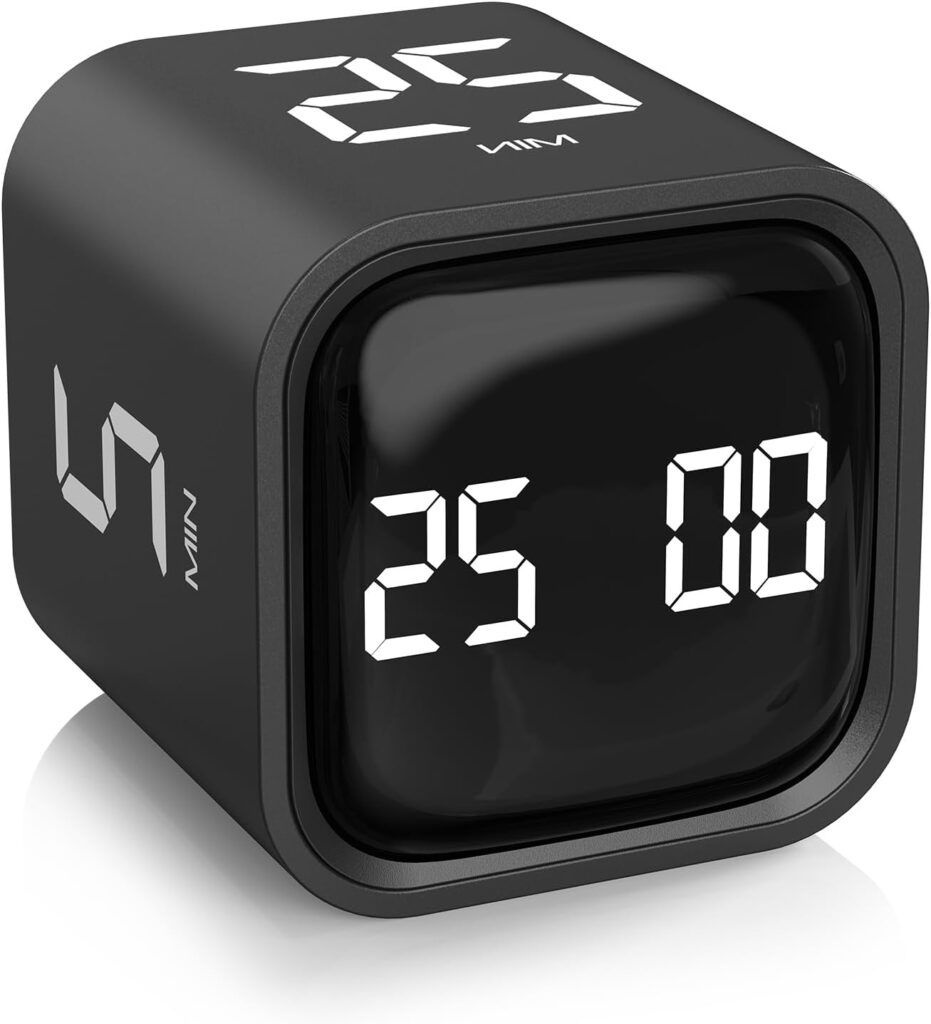
Rotating Pomodoro Timer
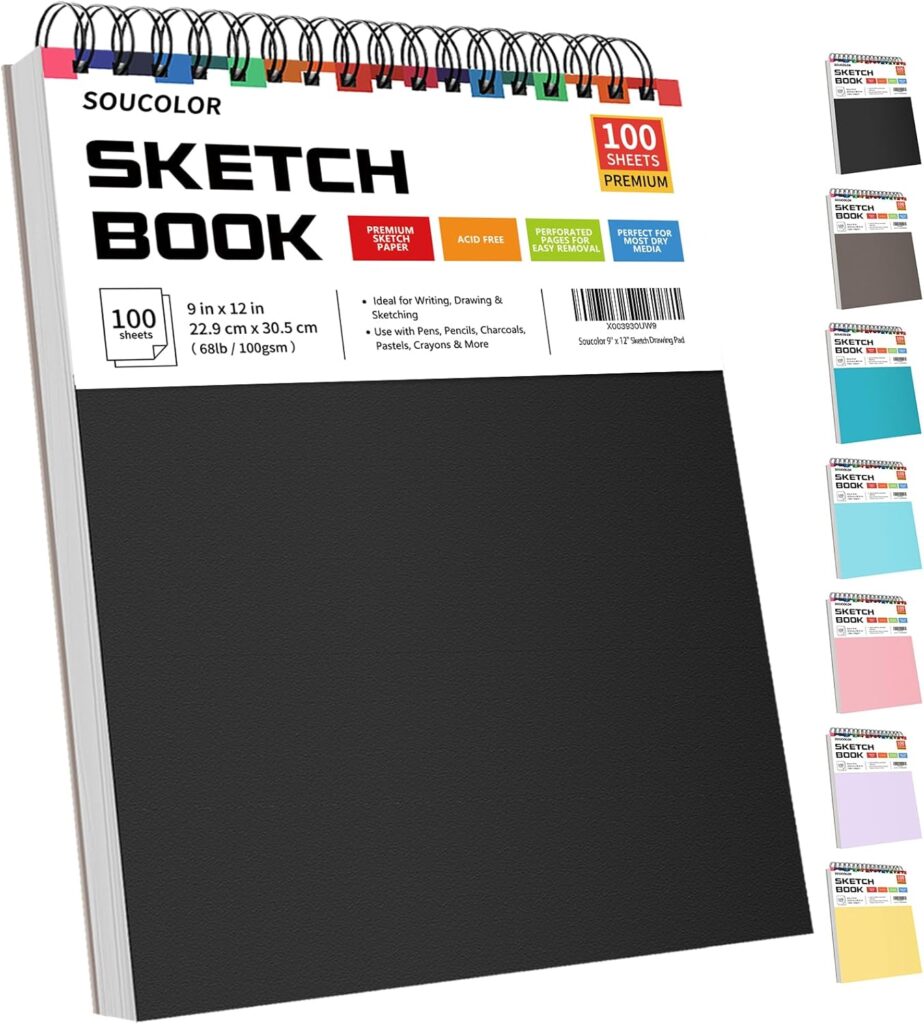
Soucolor Sketch Book
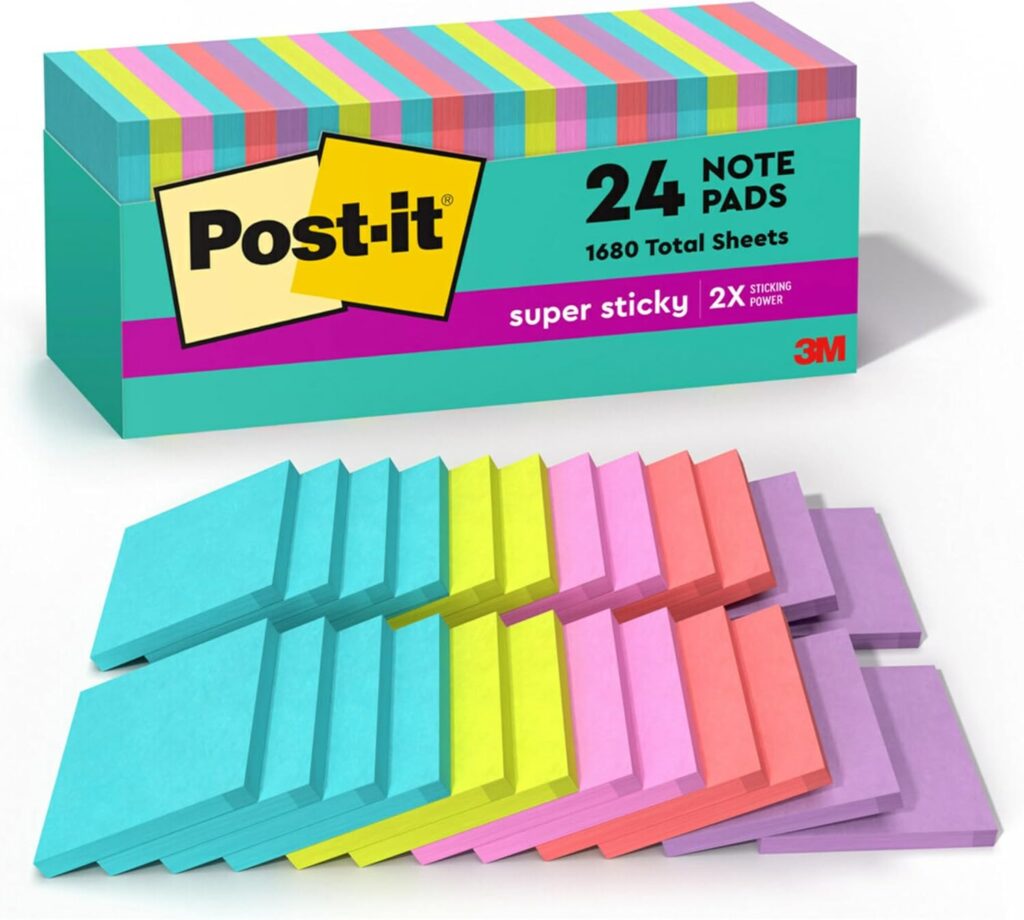
Post-it Super Sticky Notes
Taja Lined Spiral Journal Notebook
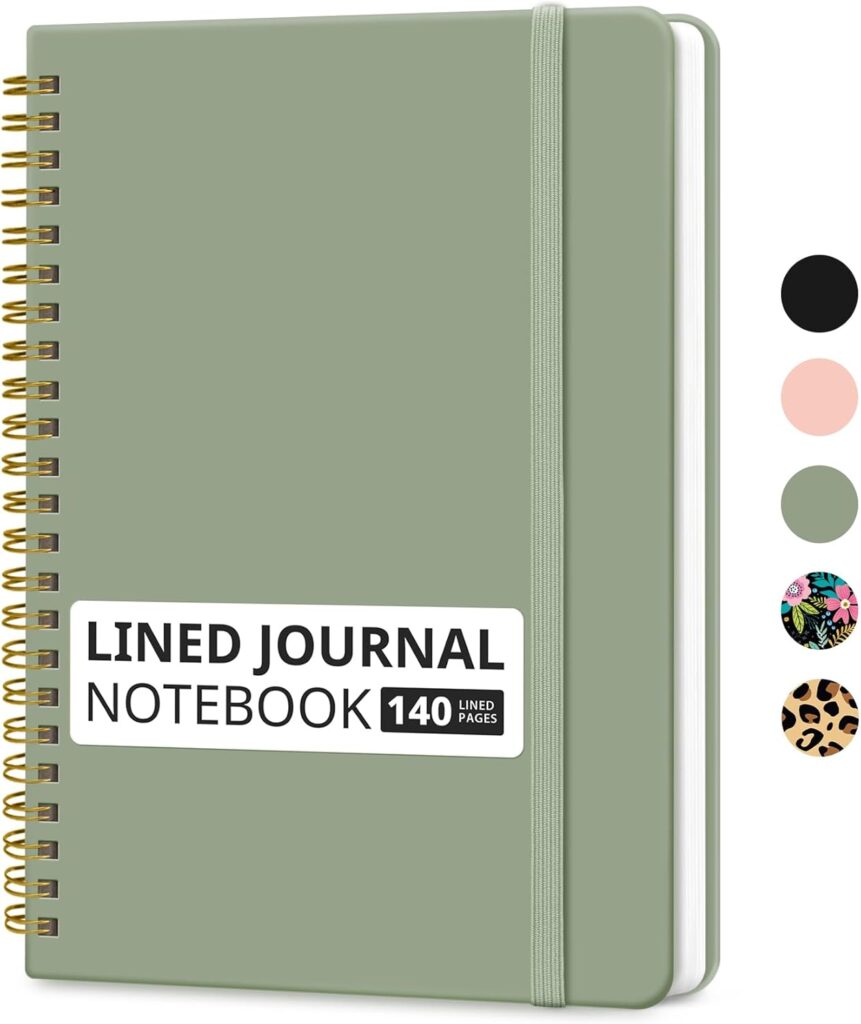
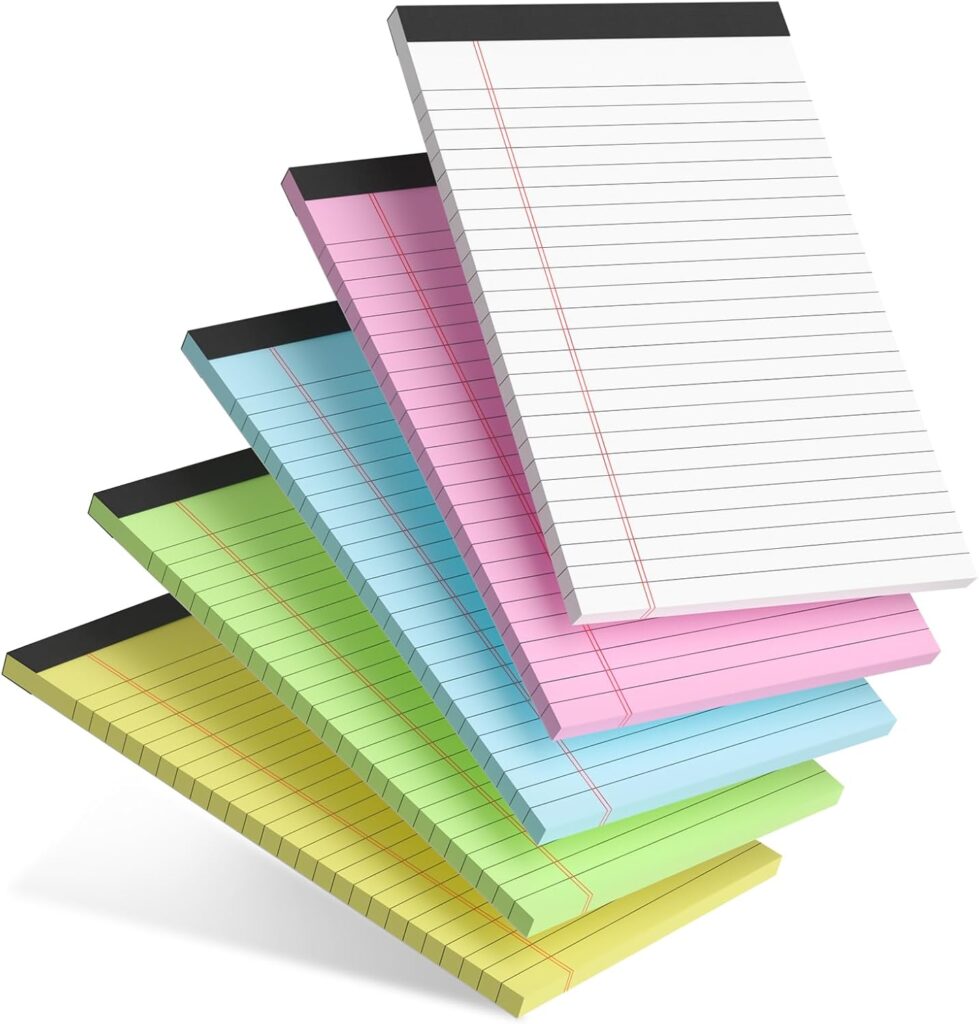
Small Note Pads
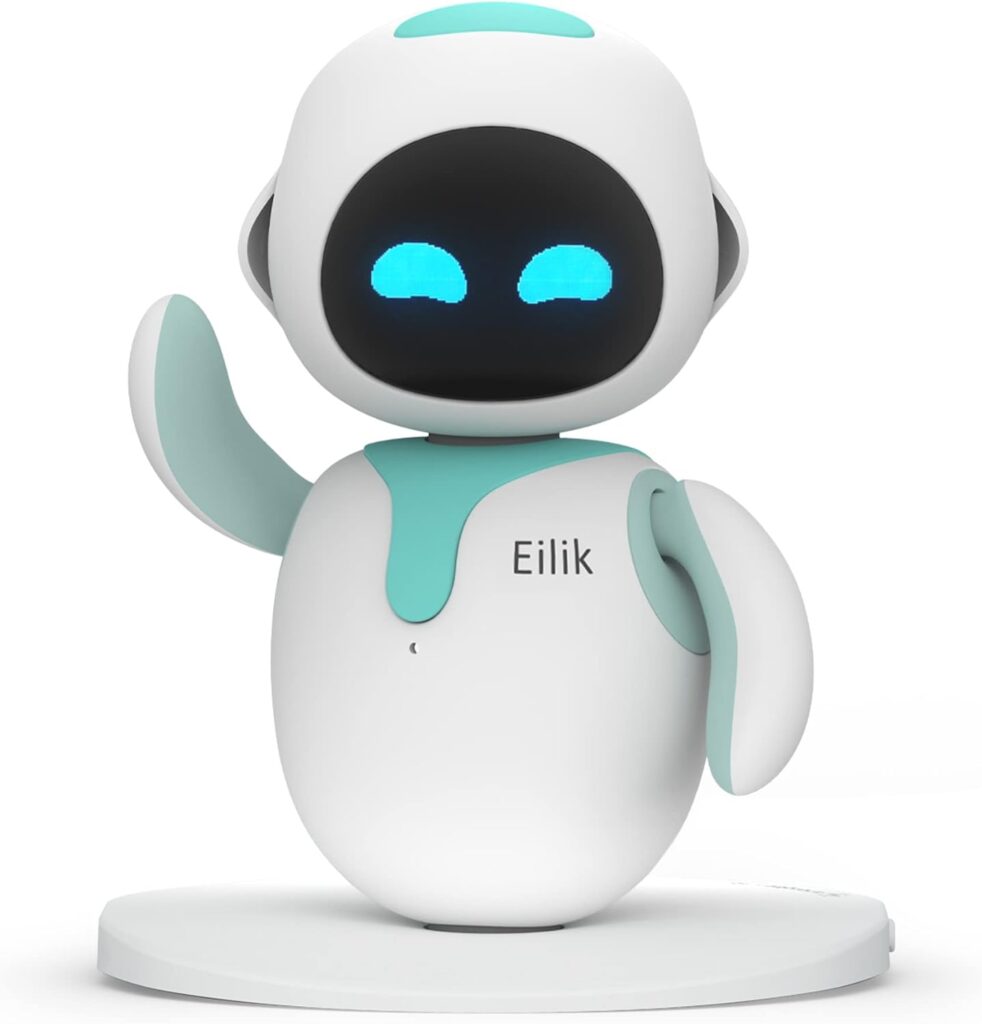
ENERGIZE LAB Eilik
A practical system for using AI without frying your focus
1. Start with your own brain for two minutes
Before you prompt anything, write down three things:
- What am I trying to produce?
- What does “good enough” look like?
- What part do I want AI to help with?
This takes two minutes, but it changes everything. It forces you to stay the owner of the task. Instead of asking AI to “help with this,” you give it a specific lane.
That small pause also protects your thinking. Research suggests that structured prompting reduces cognitive offloading and improves critical reasoning compared with unguided AI use. So even a quick human-defined brief can keep you from drifting into passive dependence.
2. Use one AI tool at a time
This sounds obvious, but it matters.
A lot of focus loss comes from tool-hopping: ChatGPT for ideas, another tool for notes, another for transcription, another for summaries, then a browser tab for “just one quick check.” That stack feels productive because it is active. However, it multiplies context switching.
Your brain does better with one defined workflow. Pick the tool that best matches the job, finish that step, and close it. The fewer open loops you create, the less supervision overhead you carry. That matches both multitasking research and recent workplace findings showing that overloaded communication and constant switching fracture attention fast.
3. Put AI inside a sprint, not across your whole day
AI works best in short, intentional bursts.
Try this:
- 10 to 20 minutes: use AI for one job
- 5 minutes: review, edit, verify, and decide
- Then close the tool
That final step matters. Close the tab. Move back to the real task.
This keeps AI from becoming ambient mental clutter. It also helps you avoid the trap where you keep asking for “one more version” long after the useful part is over. In practice, AI should compress the messy beginning of a task, not stretch the task into a longer, fuzzier one.
A visual timer can help here, not because timers are magic, but because they make a stopping point visible.
4. Keep one human checkpoint in every workflow
Every AI-assisted task needs one moment where you deliberately switch from “generate” to “judge.”
That checkpoint could be:
- checking facts against a reliable source
- rewriting the output in your own words
- cutting half the response
- deciding the final order of ideas
- asking, “Would I still agree with this if AI had not written it?”
Microsoft Research’s findings are useful here: AI shifts human effort toward verification, response integration, and stewardship. That means judgment is not optional anymore. It is the job.
Without a checkpoint, AI makes you feel faster while quietly lowering the quality of your thinking. With a checkpoint, AI becomes a draft engine instead of a decision engine.
5. Protect a few “no-AI reps” every week
This is the part people skip.
If you use AI for everything, your brain stops practicing certain skills. That is exactly why cognitive offloading can become a problem over time. Several recent studies warn that heavier, more dependent AI use is associated with weaker critical-thinking performance, while guided use and metacognitive scaffolding produce better outcomes.
So keep a few tasks human on purpose:
- outline before prompting
- solve the first part yourself
- draft one paragraph from scratch
- summarize a source without AI first
- study key concepts from memory before checking the answer
Think of it like strength training. You do not need to max out every day. Still, you do need reps, or the muscle fades.
What healthy AI use actually looks like
Healthy AI use feels lighter, not louder.
You finish faster because the tool removes friction at the right moment. You do not stay tangled in a loop of prompting, checking, revising, and second-guessing. You still know what you think. You still remember what you worked on. You still feel capable without opening a chatbot first.
That is the standard.
If AI helps you think more clearly, great. Keep it. If it makes your workday feel more chaotic, more fragmented, or oddly more exhausting, pull it back. The best system is usually simpler than people expect: one tool, one task, one sprint, one checkpoint. Then move on. That approach fits what the research is showing so far: AI helps most when it is structured, bounded, and paired with human judgment, not when it becomes an always-on layer of attention drain.
Read more posts from Nerd XP
Stay up-to-date on the latest news in the world of finance, geek culture, and skills.
- Central Banks Are Spelling Out a Multi-Asset Risk Map
 Most investors still talk about risk one shelf at a time. Stocks are risky. Bonds are defensive. Credit is someone else’s problem. Central banks are telling a different story now. Their latest warnings read less like isolated market commentary and… Leia mais: Central Banks Are Spelling Out a Multi-Asset Risk Map
 - Xbox and Gears Still Have Real Momentum
 For all the talk that Xbox has become too scattered, too platform-agnostic, or too far removed from the old console-war script, today tells a different story. Microsoft just announced that its June 7 Xbox Games Showcase will be followed immediately… Leia mais: Xbox and Gears Still Have Real Momentum
 - TikTok Wants to Be a Lender, Not Just a Platform
 For years, the TikTok story was simple: attention first, ads second, shopping maybe third. That model is changing fast. Reuters reported on March 31 that TikTok is seeking approval from Brazil’s central bank for two licenses that would let it… Leia mais: TikTok Wants to Be a Lender, Not Just a Platform
 - Portfolio Careers Beat the Side-Hustle Fantasy
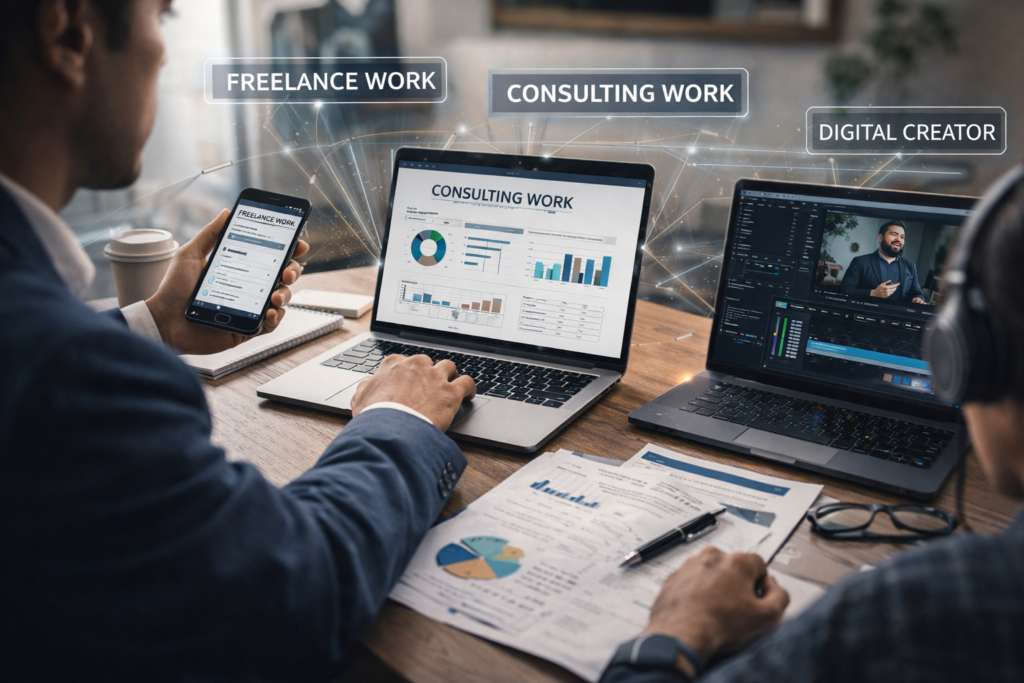 For years, people were sold a very specific dream. Start a side hustle. Work nights for a while. Then escape your job, replace your income, and finally control your life. That dream still sounds good. However, real life keeps exposing… Leia mais: Portfolio Careers Beat the Side-Hustle Fantasy
 - Why McCormick and Unilever Put Flavor on Wall Street
 A spice rack is not supposed to feel like a market-moving asset. Yet on March 31, 2026, McCormick and Unilever made flavor a real Wall Street conversation. Their deal to combine Unilever’s foods business with McCormick was valued at about… Leia mais: Why McCormick and Unilever Put Flavor on Wall Street
 - Private Credit Stress Is Getting Visible
 For a long time, private credit’s biggest danger was that you could not see it clearly. That was the trade. Investors got higher yields, smoother marks, and less daily market noise. In return, they accepted opaque portfolios, illiquid structures, and… Leia mais: Private Credit Stress Is Getting Visible
The bottom line
AI is not ruining your focus by itself.
The real damage comes from letting it sit in the middle of every task, every hour, and every decision. That is when convenience turns into cognitive sprawl.
Use AI like a sharp tool, not like a second brain you rent by the minute. Give it a narrow assignment. Keep your own judgment in the loop. Protect a few reps that stay fully human.
That is how you get the upside of AI without paying for it with your attention.
WolfBuilder
Build of the Week — 3 Steps:
- Pick one task today where AI gets a narrow role, not full control.
- Use AI for one 15-minute sprint, then close the tool completely.
- Add one human checkpoint before you accept the final output.